
Wiki Cluster
The Forge Codes (Roblox)
The Forge code reference links, general redeem guidance, and help with invalid-code messages. This page does not publish a verified working-code list.
Do Next
Stay in the Correct Experience (Avoid Copycat Pages)
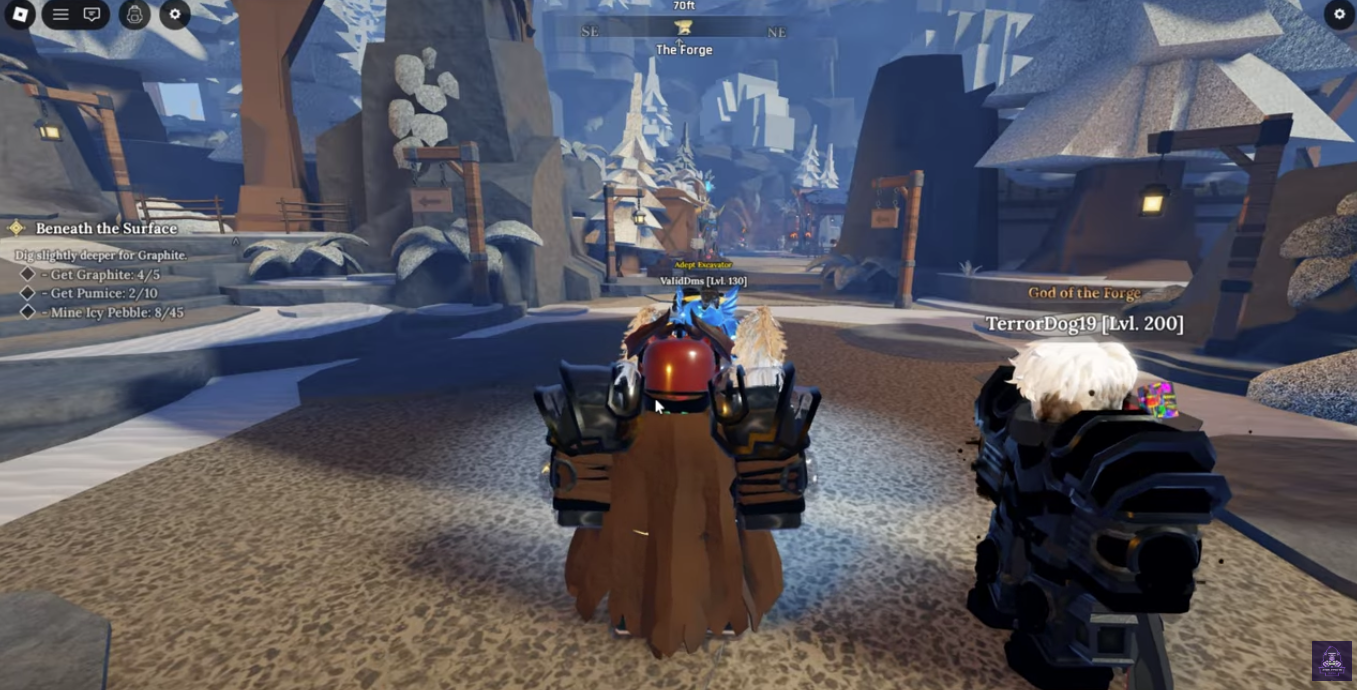
Before Trying a Code
This page does not currently provide a verified code list. That does not establish that no codes are available. Use the reference links below to check reported codes and their stated verification dates.
Redeem only in the actual Roblox game. Avoid pages that ask you to sign in outside Roblox, install a file or extension, or complete offers to unlock a code.
How to Check a Reported Code
The reference pages below may update at different times. Compare the code spelling, the stated reward, and the date of the report. A search snippet or an “updated” title does not confirm a successful redemption for your account.
If a source lists a code without a verification date, treat its current status as uncertain. The in-game response is the final check: expired, invalid, and already redeemed describe different outcomes.
How to Redeem Codes (Generic Safe Steps)
- Launch The Forge in Roblox.
- Open the in-game menu and find the Codes / Redeem section (label varies by update).
- Paste the code exactly (no extra spaces) and confirm/claim.
- If it fails, run the troubleshooting checklist below.
Why Codes Matter (What to Do With Rewards)
If a code grants rerolls, boosts, or resources, read the reward description before spending it. Keep rewards for the upgrade or experiment you actually want to try.
A common trap is spending rewards impulsively the moment you claim them. Instead, decide what your current bottleneck is: mining speed, forging quality, or combat comfort. Then spend rewards to remove that bottleneck.
If you’re aiming for Frostspire farming, the Snowite page is the right “north star”: it explains why players chase Snowite (control value) and what kind of readiness makes the grind efficient.
Codes Not Working? Fast Checklist
- ✓Check for typos: O vs 0, I vs l, missing characters, or trailing spaces.
- ✓Try a new server: sometimes redeem UI desyncs after patches.
- ✓Confirm you’re in the correct experience (The Forge; not similarly named copies).
- ✓If the message says expired/invalid, assume it’s expired unless a trusted source shows it’s active.
- ✓If the code is case-sensitive, paste it exactly (some games accept only exact casing).
- ✓If you redeemed it before, some games show “already redeemed” with wording that looks like an error.
A Quick Safety Rule (Avoid Scam Loops)
The safe redeem path is always inside Roblox, inside the game UI. Any site that asks you to “verify” by installing an extension, downloading a file, logging in outside Roblox, or completing offers is not part of the official workflow.
The fastest way to stay safe is to use a tiny whitelist: official Roblox game page, official community links if you have them, and a small number of reference sources you already trust. If a link is new to you and the page is covered in popups, don’t use it for codes.
After You Get Rewards (Best Next Steps)
If you got rerolls/totems and you’re deciding what to do: read the Beginner Guide for progression priorities, then use the Calculator Guide to test recipes.
If your goal is Frostspire power: jump to the Snowite core page and plan your farming session.
Cross-Links (Use Rewards Effectively)
Codes FAQ
Reference Codes Sources (Start Here)
Advertisement